Cave Guide
CellarTracker alternative for serious wine collectors
Looking for a CellarTracker alternative? Compare inventory, imports, drink windows, pairing intelligence and collector workflow in one guide.
CellarTracker is not broken. For many collectors it remains the most useful wine app ever built — a community-powered database with twenty years of tasting notes, a drink-window tool, and cellar records that serious collectors trust. If you have 500 bottles and the app is working for you, there is no obvious reason to leave.
But a growing number of collectors are looking for something different — not a like-for-like CellarTracker replacement, but a companion that does something CellarTracker cannot: learn who you are.
This guide is for collectors who are considering a switch. It covers what CellarTracker is genuinely excellent at, where the best CellarTracker alternative differs, and which type of collector each app actually serves.
Who should look for a CellarTracker alternative?
CellarTracker is built around community. Its value comes from aggregated tasting notes, shared drinking windows, and valuation data drawn from millions of bottles. That community depth is a real asset — and it is also where the limitation lives.
The app does not know you. It knows the crowd. When you ask what to open tonight, it returns community consensus. When you log a bottle, it contributes to a shared database. Your personal taste, your drinking history, your notes — they exist in the system, but they do not shape what the app tells you.
Most collectors who look for a CellarTracker alternative fall into one of three situations:
You have outgrown inventory and want guidance. CellarTracker is excellent at telling you what you have and when the community thinks it will peak. It is not built to tell you what your specific collection is missing, which bottles are best matched to your palate, or which direction to take your cellar next.
You want something designed for mobile. CellarTracker's web interface is powerful. Its mobile experience reflects the era it was built in. If you primarily manage your cellar from an iPhone or Android device and want a camera-first workflow, the gap is noticeable.
You are paying for features you are not using. Valuation data, advanced portfolio reports, and auction integration are CellarTracker strengths that not every collector needs. If your priority is cellar knowledge and drinking decisions rather than financial tracking, a more focused tool may serve you better.
CellarTracker vs Cave: where each app is strongest
Database and inventory
CellarTracker wins here, decisively. Its community note database is one of the most valuable wine resources on the internet. If you collect obscure appellations, older vintages, or wines with limited critical coverage, CellarTracker's community notes may be the only tasting reference you can find.
Cave does not compete on community depth. Its knowledge comes from the bottles you have, the notes you write, and the drinking history you build — calibrated to your palate, not the crowd's.
Drink windows and maturity guidance
CellarTracker uses drinking windows drawn from community signals and professional critic data. The result is reliable for well-covered appellations and mainstream vintages.
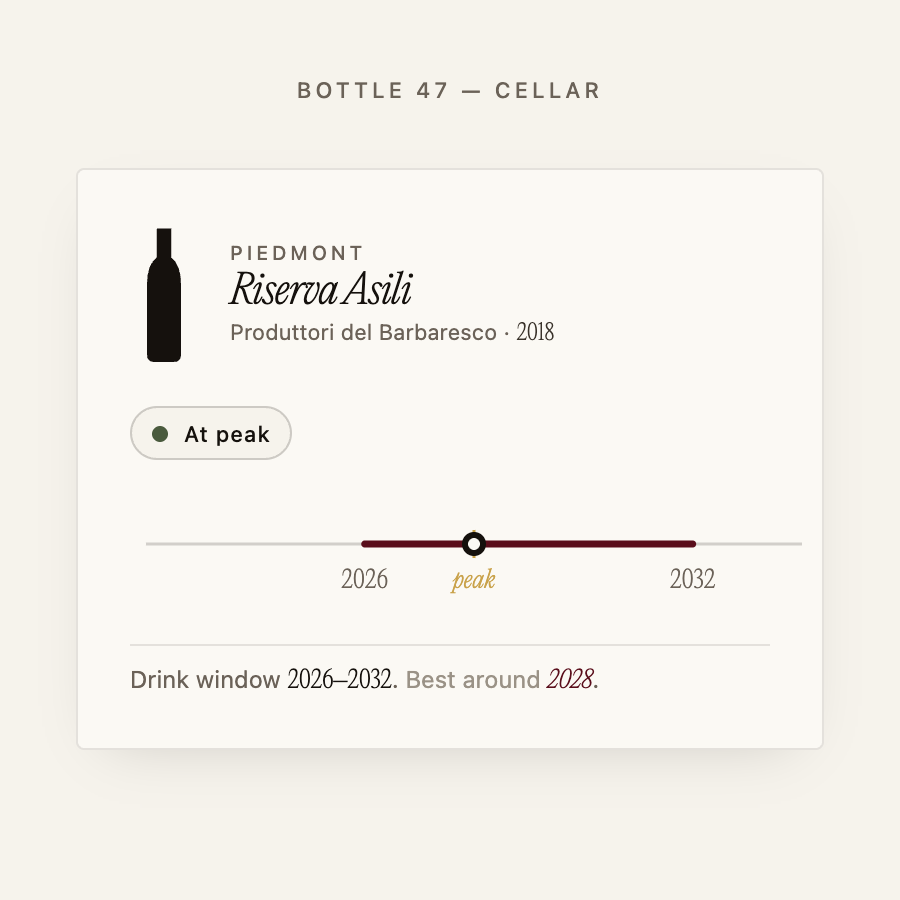
Cave calculates drinking windows from 234 appellations across 24 regions, adjusted for vintage quality and your specific bottles. The guidance is personalised — the app knows what you have open, what you have rated, and where your cellar sits in relation to each window. It can tell you which of your 200 bottles is drinking now, which needs another three years, and which one you should have opened last year.
Pairings and recommendations
CellarTracker does not make recommendations. It records and reports. Ask it what to open with lamb and it returns community notes; it does not look at your cellar and propose a specific bottle.
Cave does. When you describe tonight's dinner, it searches your actual bottles, weighs what it knows about your palate, and suggests what to open. The same applies to gap analysis: when you ask what you are missing, it looks across your ratings, your notes, and your drinking history — and it names the gap, rather than returning a generic category suggestion.
Mobile and web
Cave was designed for mobile first. Label scanning, cellar browsing, chat, and drinking window checks are all built around a phone-first workflow on both iOS and Android, with a full web experience for longer sessions.
CellarTracker's mobile app covers the essentials, but the depth of the product lives on its web interface. For collectors who split time between desk and cellar, both work. For collectors who primarily reach for a phone, Cave's mobile experience is meaningfully more fluid.
Valuation and financial tracking
CellarTracker is the stronger tool here. Its valuation data, market price tracking, and portfolio reporting are built for collectors who think about their cellar financially as well as personally.
Cave is not a financial tool. If investment-level portfolio intelligence is a primary need, CellarTracker remains the better choice for that function.
Can you import your CellarTracker cellar?
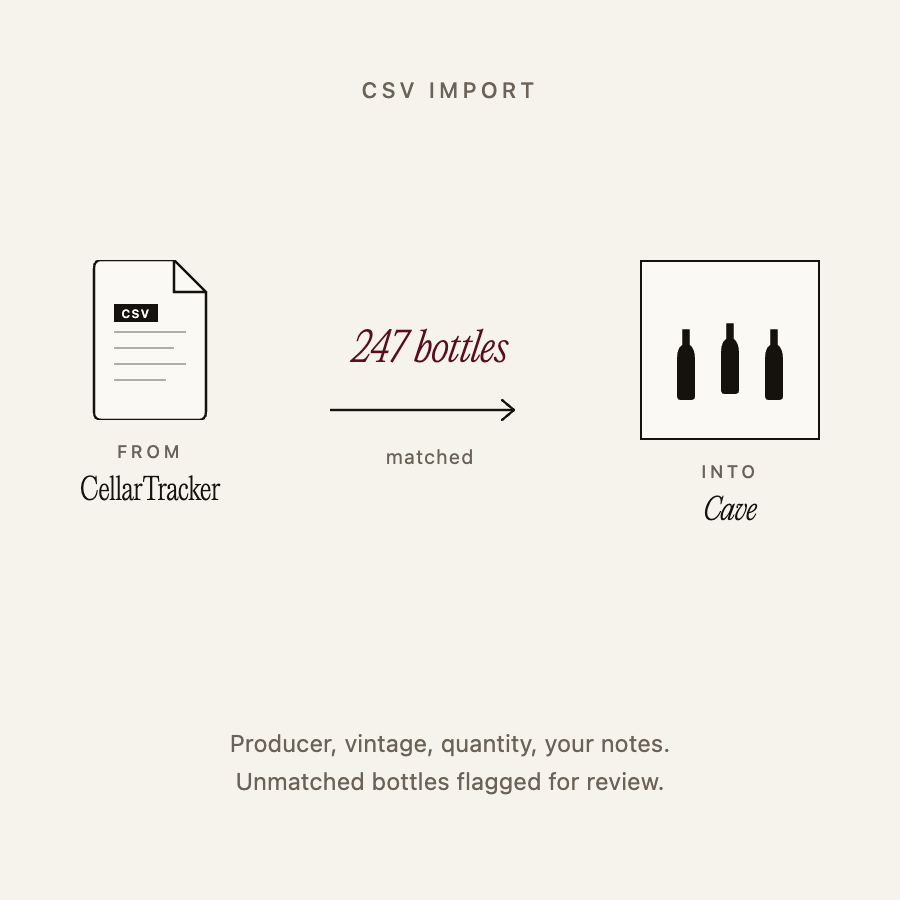
Yes. CellarTracker allows you to export your cellar as a CSV file from your account settings — producer, appellation, vintage, quantity, and your own tasting notes are all included. Cave accepts that CSV directly: the import preserves your inventory and Cave evaluates each bottle against its own appellation and vintage database, building its knowledge of your collection from that foundation.
The migration is practical and low-risk. If you have a large cellar, the import runs as a batch process and Cave flags any bottles it cannot match automatically.
What makes Cave different from CellarTracker
The gap between the two apps is not primarily about features — it is about the unit of analysis. CellarTracker analyses wines. Cave analyses the collector.
The same bottle, in two different cellars, should generate different guidance — because the two collectors have different histories, different palates, and different gaps in their collections. CellarTracker returns the same community consensus to both. Cave returns something specific to each.
That distinction matters most in two situations: when you want to know what to open right now (your bottles, your palate, tonight's occasion), and when you want to know what to buy next (your gaps, not the crowd's average). This is what the AI wine cellar management capability makes possible — and it is a function CellarTracker was not designed to perform.
Which app is better for your style of collecting?
Stay with CellarTracker if:
- You rely primarily on community tasting notes for purchasing and drinking decisions
- You track cellar value and want financial portfolio data
- You have significant historical notes logged in CellarTracker that shape your daily usage
- You primarily use the web interface and find it comfortable
Consider switching to Cave if:
- You want drinking decisions based on your palate, not the crowd's consensus
- You want to understand what your collection is missing — and get a specific suggestion, not a general category
- You primarily manage your cellar from a phone and want a more fluid experience
- You have filled the basic records app and are looking for a companion that engages with your collection actively
The two apps are not mutually exclusive. Some collectors use Cave as their daily companion for drinking decisions while keeping CellarTracker for its community note depth. If you are looking for a wine cellar app like CellarTracker but built around your palate rather than the crowd's, Cave is the closest answer in that direction.
The question serious collectors eventually ask is not "what does this wine score?" It is "what should I open tonight, and what am I missing?" CellarTracker answers the first. Cave is built for the second.
Frequently asked questions
Is Cave a direct replacement for CellarTracker? Not exactly. Cave does not replicate CellarTracker's community database or financial tracking. It offers something different: a personal companion built around your taste and your collection. For some collectors, Cave replaces CellarTracker entirely. For others, the two serve different functions and coexist.
How long does a CellarTracker import take? The CSV export from CellarTracker takes a few seconds. The import into Cave takes a few minutes for a typical cellar — Cave processes each bottle against its appellation database and flags anything it cannot match automatically.
Do I lose my tasting notes when I switch from CellarTracker? Your own tasting notes are included in CellarTracker's CSV export. They will not automatically transfer into Cave's format, but they are yours to keep and reference as you build your drinking history in the new app.
Which wine cellar app has the best drink-window guidance? For community-derived windows, CellarTracker remains a strong reference. For personalised guidance based on your specific bottles and drinking history, Cave goes further — it can tell you which of your own bottles is at peak right now, not just when the community expects a wine's general window to open.
Can I use CellarTracker and Cave at the same time? Yes. Many collectors use Cave as their primary day-to-day companion while keeping CellarTracker for its community note depth. The two are not mutually exclusive.
Cave knows your cellar, your palate, and exactly what your collection is missing — across 234 appellations and 24 regions.
Register your interest